HY300-Class Projector Problems and Fixes: Dust, Focus Drift, Fan Rattle
The five common HY300-class problems — lens dust, warm focus drift, fan rattle, remote glitches, brown patches — what's safe to fix and when it's warranty.
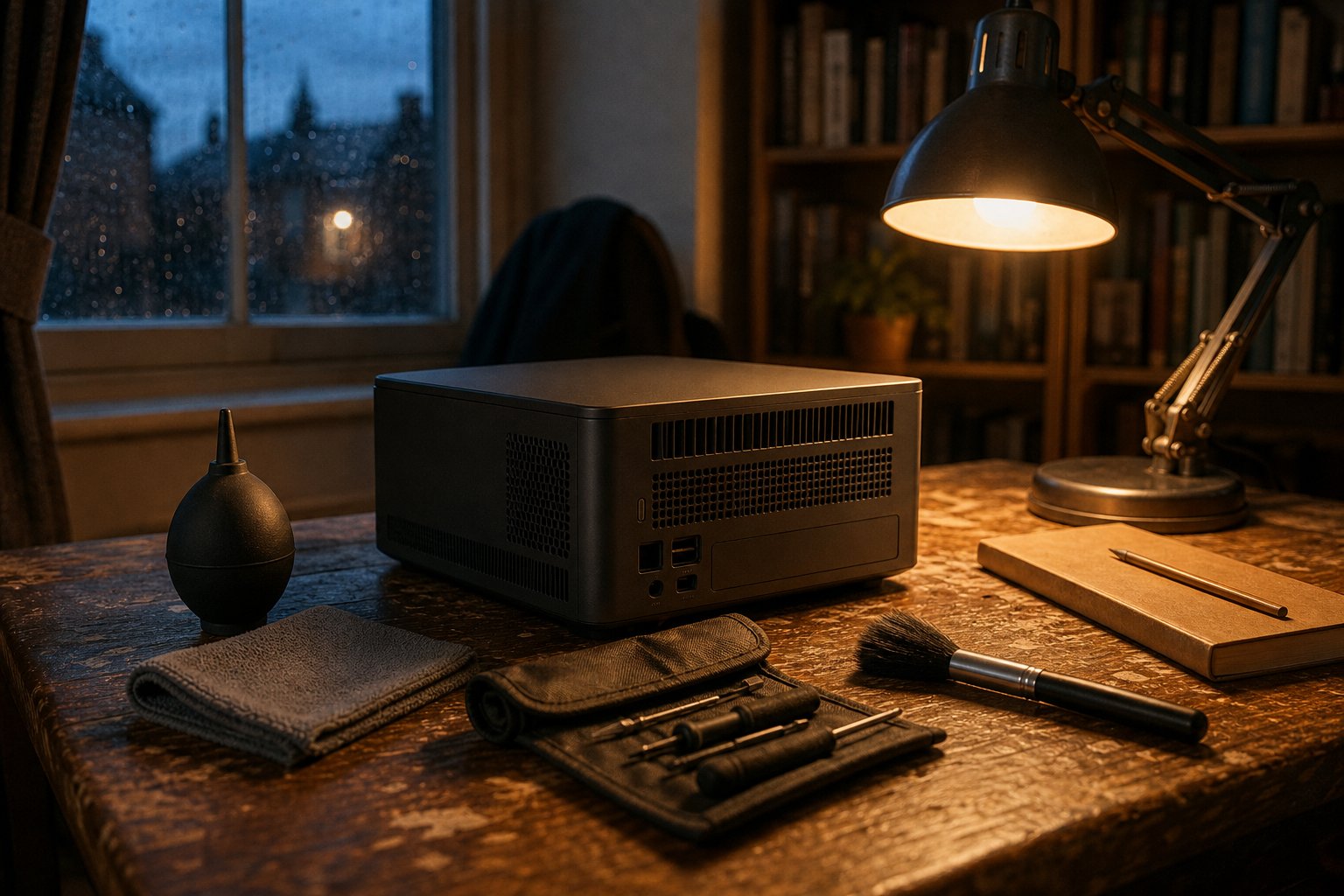
Most HY300-class faults come down to five patterns: dust inside the lens, focus drifting once the unit warms up, a rattling fan, a flaky remote, and — the serious one — brown patches from an ageing polariser. Some have safe home fixes; some don’t. Here’s the honest list, symptom by symptom, including when to stop and use the warranty.
These are family traits, not one seller’s lemon. The HY300 platform is a single-LCD, LED-lit design sold under dozens of names — our current TURN1 is a separate model; this guide covers the HY300 class often confused with it. See our honest HY300 Pro review. Same generation of machine, different seller behind it — a difference that decides what happens after a fault appears.
1. Dust or specks visible inside the lens
The symptom: a dark blob or fuzzy speck in the same spot whatever you play. An owner thread on r/budgetprojectors documents exactly this — visible debris behind the glass.
The cause: the light path on this platform is not fully sealed — a family trait, not a one-off defect. The fan pulls air through the casing, and over months some of it ends up between the lens and the LCD panel.
The safe fix: work on the outside only: a squeeze-bulb photographic blower (never compressed-air cans up close, never breath) across the front lens, then a dry microfibre wipe. If the speck moves or fades, it was external — done. If it stays put, it’s inside the light path and external cleaning won’t reach it.
What we won’t teach: opening the casing. A teardown puts you one slip from a scratched panel or fingerprints on the polariser — the film this platform is least forgiving about — and it voids the warranty. Bought as a bare import? Then there’s no warranty to void, and you are your own after-sales department: that trade-off is the entire subject of our XBJ vs bare-import comparison.
2. Focus drifts after the projector warms up
The symptom: you focus a crisp image at switch-on; twenty minutes in, text and credits have gone slightly soft. An XBJ owner reported precisely this soft-text behaviour in a thread we’ve answered publicly.
The cause: thermal drift in the lens barrel. The optics warm up with the LED; as the assembly expands, the focal point shifts a whisker. It’s characteristic of the whole class — not damage, and it settles once the unit is at temperature.
The safe fix: work with it, not against it. Run the projector ten minutes, then set focus at temperature — it holds for the evening. Focus on a paused frame with small text (a menu, subtitles), not a moving image. If focus wanders even when warm, or the control feels loose or gritty, that’s beyond normal drift — warranty territory, not a user fix.
3. Fan rattle or buzzing
The symptom: the ordinary fan whoosh picks up a rattle, buzz or periodic tick it didn’t have when new.
The cause: usually dust on the intake grilles and fan blades until the airflow resonates; occasionally a resonant surface underneath (a hollow shelf is a soundbox).
The safe fix: power off, unplug, then soft-brush and hand-blow the vents from the outside — no opening the shell, same rule as dust. A solid surface, or a folded cloth underneath, kills resonance; that resolves most rattles. A grinding note that survives a vent clean suggests the fan bearing itself: warranty claim, not DIY. For what “normal” sounds like, our fan noise test publishes measured figures, not adjectives.
4. Remote and Bluetooth pairing tantrums
The symptom: the remote goes unresponsive or laggy; a Bluetooth speaker that paired happily last week refuses to reconnect.
The cause: nearly always tired remote batteries, or a stale pairing record on either device.
The safe fix: fresh batteries first, however alive the old ones seem. For Bluetooth audio: delete the pairing on both ends, restart both, pair fresh from the projector’s settings rather than the speaker’s auto-reconnect. None of it goes near the warranty.
5. Brown or yellow patches on the picture
The symptom: a warm-toned blotch, usually growing over weeks, that sits in every source and every app.
The honest answer: this is the HY300 family’s known ageing failure — the polariser film discolouring under heat and light. It is not dust, it will not clean off, and there is no user-level fix; the light engine is on its way out. We’d rather say that straight than sell you a bottle of hope: brown patches mean a warranty conversation (or, for bare imports, a replacement full stop). The failure belongs to the platform generation wherever the box was bought; the honest seller’s job is to stand behind the machine when it happens.
Symptom → cause → safe fix → when it’s a warranty job
| Symptom | Likely cause | Safe self-help | When to use the warranty |
|---|---|---|---|
| Speck or blob in picture | Dust in a not-fully-sealed light path (family trait) | External blower + microfibre on the lens; never open the shell | Speck is internal and intrusive |
| Soft focus once warm | Lens-barrel thermal drift | Refocus 10 minutes after switch-on | Focus won’t hold even when warm, or control feels wrong |
| Fan rattle or buzz | Dust on vents/blades; resonant surface | Vent clean from outside; solid or decoupled surface | Grinding note survives a vent clean |
| Remote/Bluetooth flakiness | Tired batteries; stale pairing | Fresh batteries; delete and re-pair both ends | Faults persist after both |
| Brown/yellow patches | Polariser ageing (known family failure) | None — no user-level fix exists | Immediately; this is the light engine failing |
Same machine, different seller responsibility
This is the part that matters when a fault actually arrives. Every problem above is a family trait — the same generation of hardware behaves the same way whoever’s name is on the listing, and we’ve never claimed our unit is a different species. What differs is what stands behind it: ours ships from a UK warehouse in Lutterworth with 30-day returns, a 12-month warranty, and a pre-dispatch QC pass built precisely to catch dust, dead pixels and fan faults before the courier does. A bare import a couple of tenners cheaper comes with none of that — which feels fine right up until the brown patches arrive. The room-condition and measured-spec picture is on our honest specs page; the machine itself, warts documented, is on the product page.
FAQ quick answers (full set in our FAQ hub): Can I open my projector to clean the lens? It voids the warranty and risks the polariser — external blower cleaning is the safe limit. Why does focus drift after 20 minutes? Lens-barrel thermal drift; warm up, refocus once, it holds. Are brown patches fixable? No — that’s polariser ageing, and it’s a warranty conversation.
Ready to view the TURN1 Android 14 Short-Throw Projector?
View product details