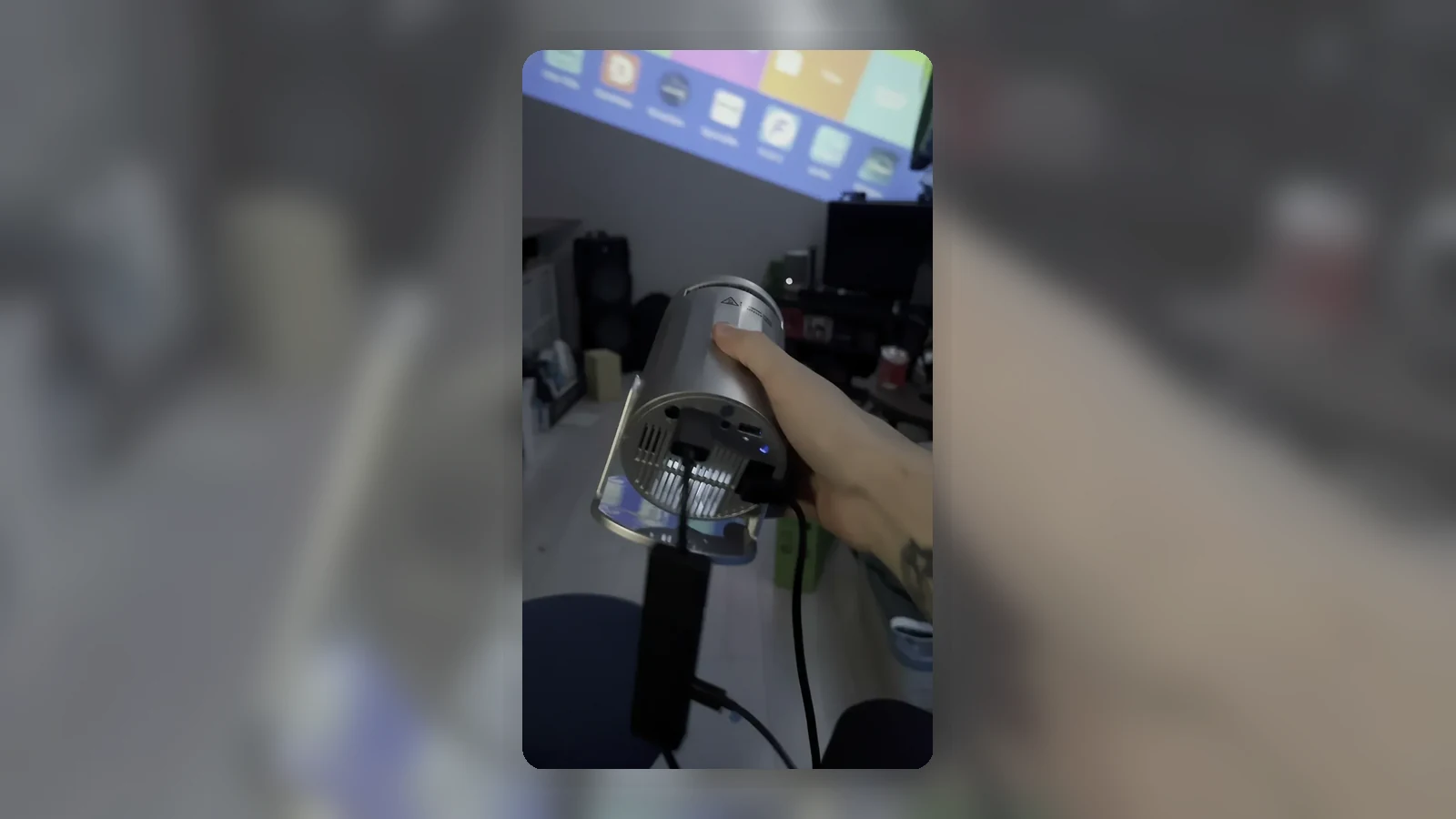
Projector Stand vs Tripod: Which Is More Stable in a Bedroom?
For most bedroom projector setups, the safest choice is the support that stays flat, level, ventilated and out of the walking path. A shelf or wide platform is often easier to make stable than a narrow tripod-style support, but the right answer depends on your room layout, projector shape, cable route and whether the projector is verified for that support.
The projector stand vs tripod question is not only about height. Bedrooms are full of soft surfaces, trailing cables, low light and tight gaps beside beds. A support that looks neat in a product photo can become awkward if a power lead pulls across the room or a duvet blocks the vents.
Quick Recommendation by Room Setup
Choose a shelf if you already have a solid surface at the right height and the projector can sit square to the wall without blocking vents. A shelf is also sensible when the room is narrow or people regularly walk between the bed and wall.
Choose a flat projector stand or platform if you need height adjustment but still want a wide, stable base. A stand can work well beside a bed or behind a sofa-style chair, provided it is not easy to knock and the projector sits fully supported.
Consider a tripod-style support only when the projector and support are confirmed to work together, the legs can spread fully on a hard level floor, the head locks firmly and cables can be routed without tugging. Do not assume a projector has a standard mounting thread, and do not assume it will fit a camera tripod unless the product evidence confirms it.
Stand vs Tripod vs Shelf
A shelf gives you a broad, fixed surface. It is simple, tidy and less likely to shift once set up. The trade-off is flexibility: if the shelf is too high, too low or off-centre, you may be forced into more digital correction or an awkward angle.
A flat projector stand or platform gives you more control over position. It can be moved, adjusted and stored when not in use. The best versions feel boring in the right way: wide base, level top, no wobble, enough surface area for the whole projector and no pressure on vents or cables.
A tripod-style option can be useful when floor space is limited and height matters. However, it concentrates weight around a smaller mounting point or plate. That makes compatibility, locking strength and centre of gravity more important. If the projector tilts forward, twists when a cable moves or sits on an unverified attachment, choose a different support.
Height and Throw Path
Before buying a support, decide where the image needs to land. Sit where you normally watch and mark the approximate centre of the wall or screen. The projector should have a clear path to that area without bedding, lamps, wardrobe doors or people crossing the beam.
A taller support is not automatically better. If it puts the projector above the centre of the screen, you may need more correction. If it sits too low, the bed edge may block the beam. Try to place the projector as square to the wall as the room allows, then use only the adjustment your projector provides.
For compact projectors, small changes in height and angle can have a visible effect. A stable stack of books may seem tempting for testing, but it is not a good permanent support because it can slide, sag or block vents. Use testing to find the position, then choose a proper shelf or stand that recreates it safely.
Stability and Centre of Gravity
Stability is about more than whether the support can hold the projector's weight. Look at the whole setup: projector footprint, support width, leg spread, head lock, floor surface and cable direction.
On carpet, a narrow support can wobble. On laminate or wood flooring, lightweight legs can slide if a cable is pulled. Near a bed, a support can be bumped by feet, drawers or cleaning. If you cannot walk around it naturally in low light, it is probably in the wrong place.
A shelf or wide stand usually has an advantage because the projector can rest on a flat surface. With tripod-style support, the connection point matters more. Only use it if the projector is designed for that kind of support and the attachment is secure. If there is any doubt about the underside, thread type, plate size or locking method, do not improvise.
Cable Pull and Bedroom Traffic
Cable pull is one of the most common real-world problems in a bedroom setup. A power lead, HDMI cable, streaming stick adaptor or audio cable can turn a stable-looking arrangement into a trip hazard.
Route cables along the wall where possible, not across the main walking path. Leave slack near the projector so a small movement does not pull directly on the device. Avoid hanging a heavy adaptor from a port or letting a cable drag the projector sideways.
This is where a shelf can be safer: cables can often drop behind furniture and stay out of reach. A tripod-style support may place cables in mid-air, where they are easier to catch. A flat stand can work well if it sits close to a socket and the cables run down one side cleanly.
FAQ
Is a projector stand better than a tripod?
A stand is often easier to stabilise because it gives the projector a wider flat surface, but it is not automatically better. The safer choice is the one that supports the projector fully, keeps vents clear and avoids cable pull.
Can I put a projector on a shelf?
Yes, if the shelf is solid, level, deep enough for the projector and positioned so the beam reaches the wall cleanly. Make sure vents are not blocked and cables are not under strain.
Can I use a camera tripod for a projector?
Only if the projector and tripod-style support are verified as compatible. Do not assume a standard screw thread or broad tripod compatibility without checking the product evidence.
Where should I place a projector in a bedroom?
Place it on a stable surface with a clear throw path to the wall or screen, away from bedding and walking routes. Keep it square to the wall where possible and leave space around vents.