How to Watch Netflix on a Mini Projector — The Honest DRM Guide
Why Netflix misbehaves on budget projectors — Widevine DRM explained, why mirroring shows a black screen, and the £30 Fire Stick fix that works.
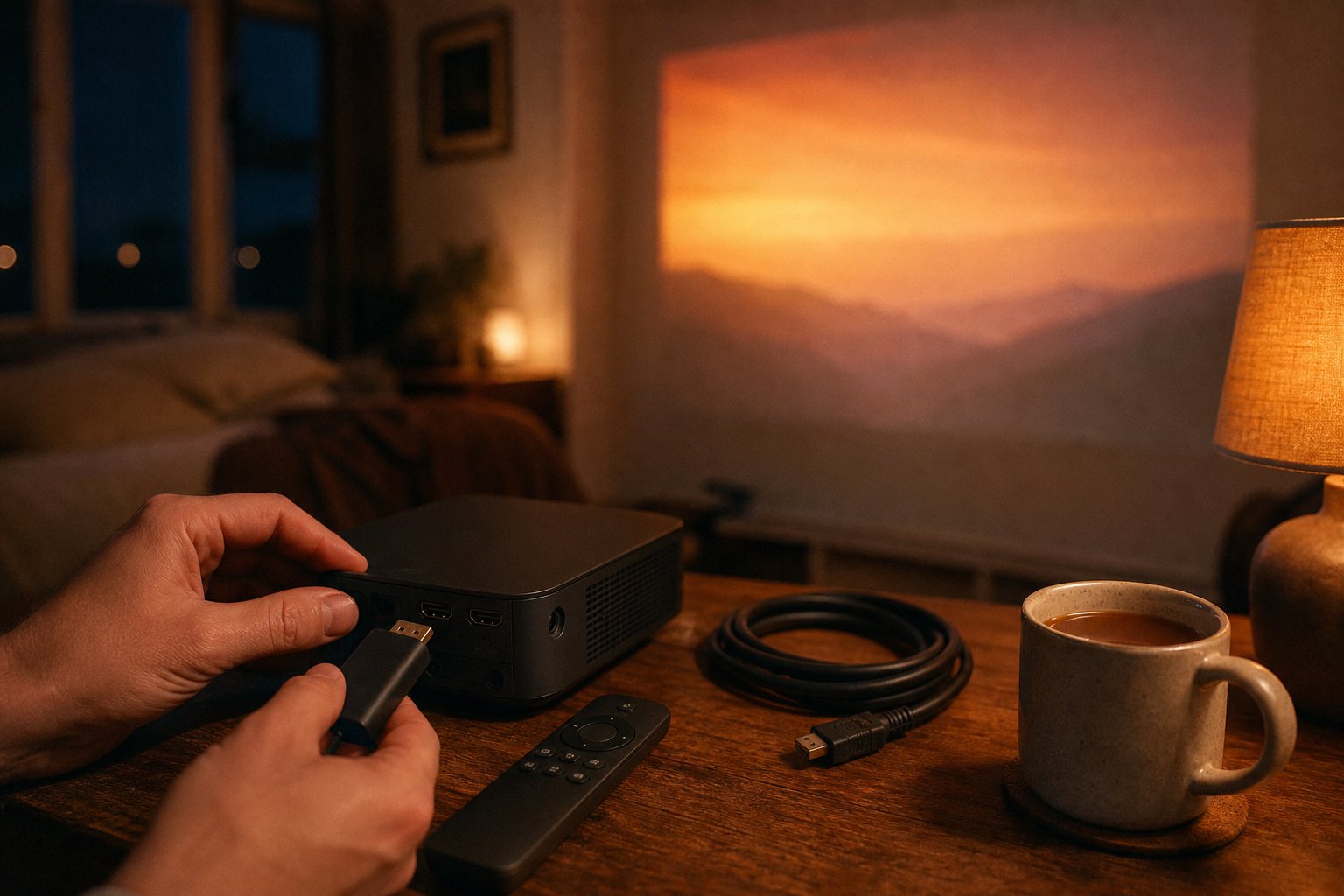
If Netflix is not working properly on your mini projector — black screen when mirroring, missing app, or a picture that looks far softer than it should — the cause is almost always DRM licensing, not a fault with your unit. The reliable fix costs about £30: plug a Fire TV Stick into the HDMI port. This guide explains what is actually going on, because almost nobody selling budget projectors will.
The root cause: Widevine DRM levels
Netflix, Disney+ and Prime Video protect their streams with Google’s Widevine DRM, which certifies devices at levels. Widevine L1 means the whole decryption path runs in trusted hardware — certified devices get HD and better. Widevine L3 does decryption in software — the stream still plays, but the service caps quality at standard definition, roughly DVD-era sharpness on a two-metre picture.
Most budget Android projectors — the entire class ours belongs to, and the white-label imports sold under dozens of names — carry L3 or no certification at all. This is a licensing and cost reality: L1 certification is negotiated per device model with Google and the streaming platforms, and a £60–80 projector does not carry that overhead. Community threads asking “which cheap projector is confirmed L1” run for pages without a straight answer, because the straight answer is: effectively none of them.
Why mirroring from your phone gives a black screen
Screen mirroring feels like the obvious workaround and it is the most common failure. When you cast or mirror, Netflix’s app detects that its stream is leaving the phone via an unprotected path (HDCP — the copy-protection handshake — cannot be guaranteed over mirroring protocols), so it blanks the video layer. You get audio, subtitles, controls — and a black rectangle. This is Netflix working as designed, not your projector failing. YouTube usually mirrors fine because most of its catalogue is not DRM-protected; that contrast confuses people into blaming the projector. The same applies to iPhone AirPlay-style mirroring against DRM apps: black screen by design.
Why we don’t recommend the “hacked app” route
Search forums long enough and you will find modified Netflix APKs claiming to unlock playback on uncertified devices. The open-source community that understands this space best has already reached a verdict: the well-known Kodi Netflix plugin documents that software-only (L3) playback is capped at low resolution no matter what, and the modified-APK projects have had their device identities repeatedly blocked by Netflix, breaking without warning. Beyond reliability, sideloading modified apps violates Netflix’s terms and carries obvious security risk on a device that sits on your home network. We sell projectors; we are not going to advise you to install cracked software on one. There is a better answer anyway.
The fix that actually works: a £30 stick
A Fire TV Stick (or a Google TV / Chromecast device — any current mainstream stick) is a fully Widevine L1 certified device. Plug it into the projector’s HDMI port and the DRM question simply disappears:
- Full-quality streams. The stick decrypts at L1; the projector just displays HDMI video like a dumb screen. Netflix, Disney+, Prime Video, iPlayer all behave.
- A proper interface. Stick remotes, profiles and apps are faster and better maintained than any budget projector’s built-in Android.
- Power from the projector. The XBJ portable projector has a USB port that can power the stick, so the whole rig still runs off one plug — genuinely useful for garden nights and ceiling setups.
- It travels. Take the same stick to a hotel TV or a friend’s house.
One honest caveat: the picture is still drawn by the projector’s panel at the projector’s native resolution and brightness — a stick fixes DRM, not physics. Our honest spec sheet explains exactly what the panel does and does not deliver, in measured numbers.
What about the built-in Netflix app?
Our product, like most Android projectors, ships with a built-in Android system that can run YouTube, Netflix and other compatible apps. Here is our honest position: the built-in Netflix experience on this class of device can work, but we do not guarantee it, and we will not build our pitch on it. App versions for uncertified devices change behaviour with updates; what works this month can degrade next month, and quality on an L3 path is capped low by Netflix regardless of what any seller claims. YouTube, by contrast, runs well natively and is what most owners use the built-in system for. If Netflix in best quality is a priority for you, budget the £30 stick from day one and consider the built-in app a bonus when it cooperates.
That is the paragraph you will rarely find on a product page in this price class. We think saying it plainly earns more trust than pretending, and the community threads full of confused buyers suggest the industry’s silence has cost it plenty.
Quick reference: symptoms and causes
| Symptom | Cause | Fix |
|---|---|---|
| Black screen, audio fine, when mirroring | DRM blocks mirrored playback by design | Use a stick via HDMI |
| Netflix app missing or won’t update | Device not certified for the store build | Use a stick via HDMI |
| Netflix plays but looks soft | L3 path capped at low resolution | Use a stick via HDMI |
| YouTube mirrors fine, Netflix doesn’t | YouTube is mostly non-DRM | Working as designed — stick |
| Stick shows nothing at all | Input source not switched / cable seated | Select HDMI input, reseat, test another cable |
The bottom line
Netflix problems on budget projectors are a certification issue baked in at the licensing level — not a defect, not fixable with settings, and not honestly solvable by any modified app. The dependable answer is a mainstream L1 streaming stick over HDMI, powered by the projector’s own USB port. Read what else the projector honestly can and cannot do in our FAQ, and if the whole package suits your room, the product page has current pricing, UK delivery times and the 30-day returns policy.
Ready to view the TURN1 Android 14 Short-Throw Projector?
View product details