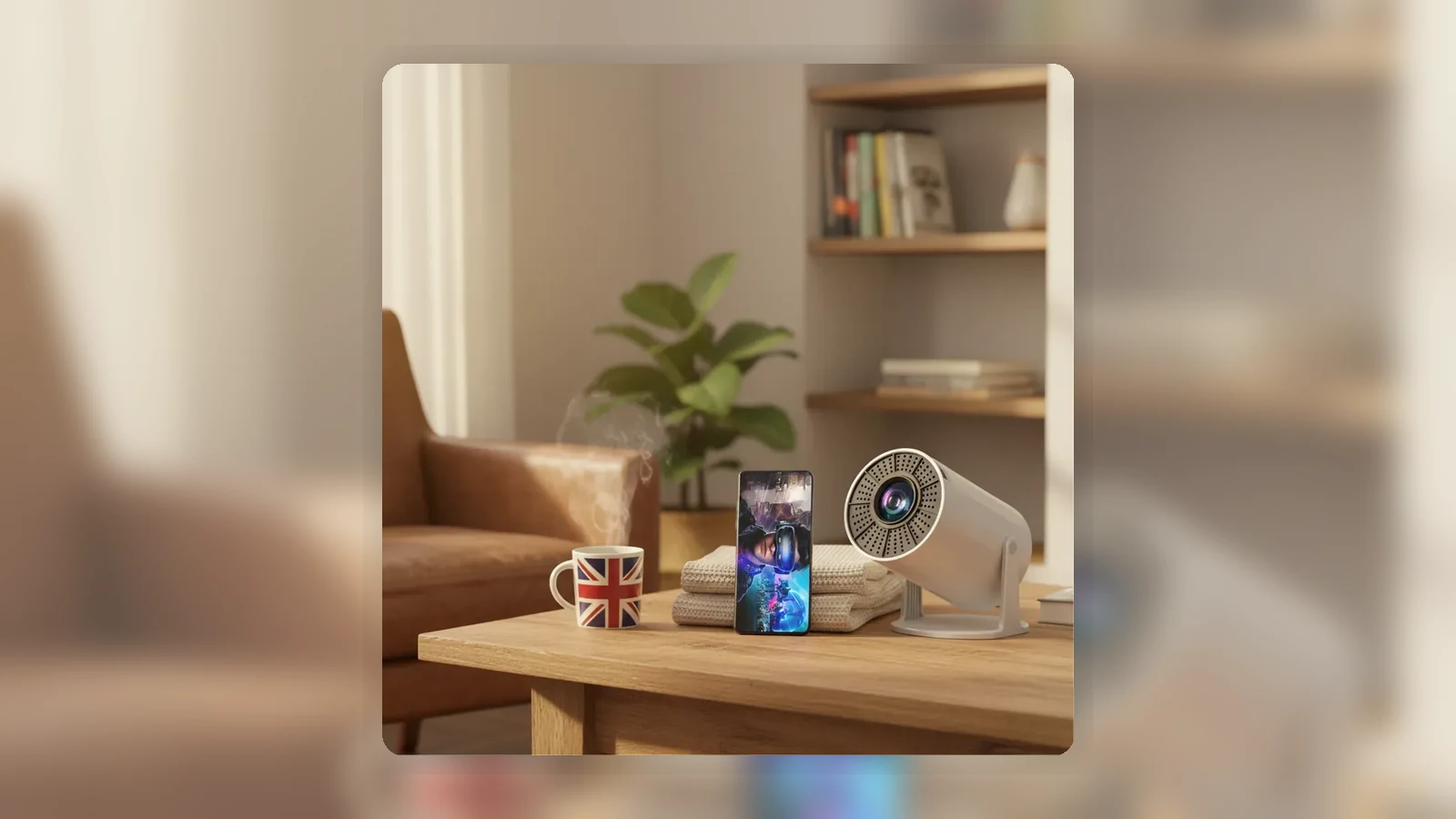
How to Use a Fire TV Stick on a Projector in the UK
The short answer: a Fire TV Stick-style streaming device normally connects to a projector through HDMI, but it still needs its own reliable power supply, the projector must be set to the correct HDMI input, and your streaming apps need a stable WiFi connection. Sound may come from the projector, the streaming device or a separate speaker path, depending on what your equipment supports.
This guide keeps the setup practical and cautious. It does not assume that every projector can power a streaming stick from USB, and it does not guarantee that every app, subscription service or protected stream will behave the same way on every device.
What to Check Before Plugging In
Before you move cables around, check four things.
First, confirm that your projector has an HDMI input. The current TURN1 Android 14 Short-Throw Projector page on XBJ Projector lists HDMI, USB and AUX among the available ports, but you should still check the physical unit you own because port labels, direction and behaviour matter.
Second, find the streaming stick's power adaptor. A streaming stick should usually be powered from its own mains adaptor rather than relying on a projector USB port. Some USB sockets are for media playback or service use, and even where a USB port supplies power, it may not provide enough for stable streaming.
Third, make sure you have access to WiFi near the projector. Streaming problems can look like projector problems when the device is actually stuck during setup, app loading or buffering.
Fourth, decide where audio should come from. For a simple setup, try the projector's own speaker first if it has one. If you want louder sound, check which audio outputs your projector, streaming device, speaker or soundbar actually support.
HDMI and Separate Power Setup
Turn the projector off before connecting everything. Plug the streaming stick into the projector's HDMI socket. If the stick does not fit neatly because of the projector's shape or stand position, use the short HDMI extender that usually comes with many streaming devices, if supplied.
Next, connect the streaming stick to its own power adaptor and plug that adaptor into the wall or a safe extension lead. Wait for the streaming device to start fully. Then turn on the projector.
If nothing appears immediately, do not assume the projector is faulty. HDMI handshakes can take a moment, and some projectors open on a home screen rather than the last-used HDMI input.
Choose the Right Input and Check WiFi
Use the projector remote or onboard controls to open the input/source menu. Because exact XBJ/HY300Pro menu names have not been verified for this draft, look for a general source option such as HDMI rather than expecting a particular label.
Once the streaming stick home screen appears, connect it to your WiFi and sign in to your chosen apps. If the home screen appears but apps fail to load, the projector has probably done its basic job: the issue may be WiFi, account login, app availability or the streaming device itself.
If the projector says no signal, try this short ladder:
1. Check the streaming stick is powered. 2. Confirm the projector is on the HDMI input. 3. Remove and reconnect the HDMI plug. 4. Restart both the projector and the streaming stick. 5. Try another HDMI cable, extender or source device if available.
For a deeper fault tree, use the separate projector no signal HDMI guide rather than treating every no-signal case as a Fire TV issue.
Audio Paths and No-Sound Fixes
If you can see the streaming stick home screen but hear no sound, start with the simple controls. Raise the projector volume, check the streaming stick volume settings if available, and make sure neither device is muted.
Then think about the audio path. With the simplest HDMI setup, video and audio travel from the streaming stick into the projector. If the projector has a built-in speaker, it may play the sound itself. If you are using separate speakers, check whether sound should be leaving the projector, the streaming stick or another connected device.
Avoid assuming that an AUX socket is definitely an audio output unless your unit or manual confirms it. Likewise, do not assume Bluetooth pairing means Bluetooth speaker output unless the projector menu clearly supports that use. Bluetooth can also introduce delay, so wired audio is often easier when lip sync matters.
If there is picture but no sound in one app only, test another app or a free trailer. If sound works elsewhere, the issue may be app settings, content format, subscription restrictions or the streaming device's audio mode.
Black Screen, DRM and UK Licence Caveats
A black screen is not always the same as no signal. "No signal" usually means the projector is not receiving a usable HDMI feed. A black screen with sound can mean the source is connected but the app, cable, adapter, display settings or content protection is failing.
Netflix's own help pages describe black-screen-with-sound troubleshooting in terms of device restarts, HDMI connection checks, direct connections and trying another HDMI port or cable. Google streaming help also treats no-signal and black-screen issues as a step-by-step connection problem, including rebooting devices and checking HDMI connections.
There is also a UK viewing rule to keep in mind. According to TV Licensing and GOV.UK, you need a TV Licence to watch or record live TV on any channel or service, and to use BBC iPlayer. On-demand viewing on some non-BBC services is treated differently, but live streams are the key boundary. A projector does not change that rule; it is still a device used for viewing.
FAQ
Can I plug a Fire TV Stick into a projector?
Usually, yes, if the projector has a suitable HDMI input and the streaming stick has its own power supply. This article does not claim that every projector or every app is guaranteed to work.
Can the projector USB port power the streaming stick?
Do not rely on that unless your projector documentation confirms the USB port can provide enough power. Use the streaming stick's own mains adaptor for the most stable setup.
Why does my projector say no signal with a streaming stick?
The common causes are wrong input selection, no power to the streaming stick, a loose HDMI connection, an adapter issue or a source device that has not finished starting up.
Why do I have picture but no sound?
Check mute and volume first, then confirm where audio is supposed to play. If using external speakers, verify the actual output options on your projector or source device.
Do I need a TV Licence to use a projector for streaming in the UK?
You need a TV Licence for live TV on any channel or service and for BBC iPlayer. The requirement depends on what you watch, not whether the screen is a TV or projector.