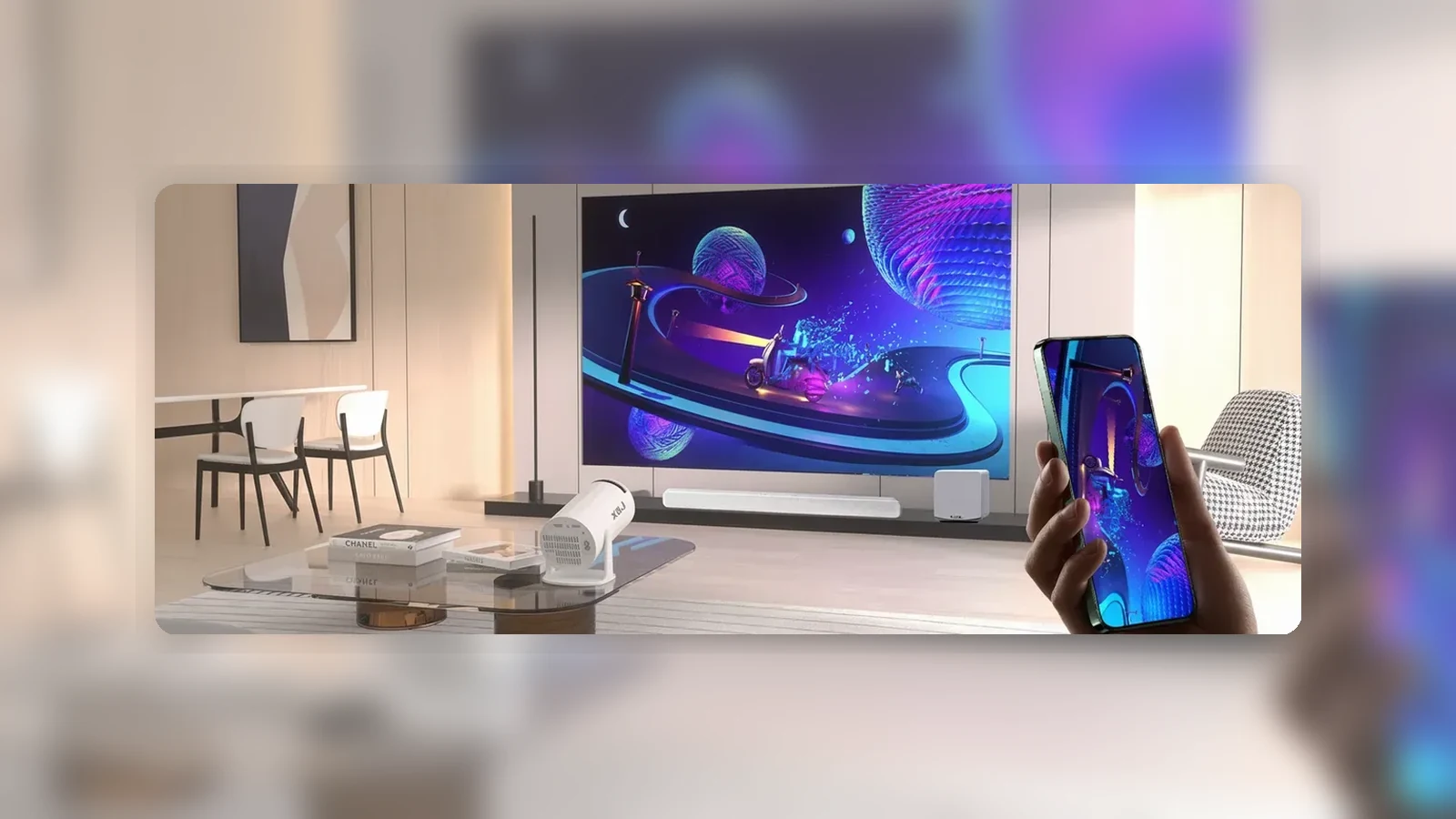
How to Connect a Soundbar or Speakers to a Projector
The safest way to connect a soundbar or speakers to a projector is to identify the audio outputs on the exact devices in front of you first. Do not assume that a projector has HDMI ARC, optical output, Bluetooth audio output or a working 3.5 mm audio output unless the label, manual or settings confirm it.
For a compact projector setup, there are usually four possible paths: the source sends video to the projector and audio to the speaker; the projector passes audio out to a speaker; a soundbar handles the source directly; or wireless audio is used when output pairing is supported. The right choice depends on your projector, source device and speaker, not on the cable you happen to have nearby.
Start by Identifying Outputs
Before buying a cable, check three things: your source device, your projector and your soundbar or speakers. A source could be a laptop, streaming stick, games console or set-top box. The projector receives the picture. The speaker system needs an audio signal.
Look for wording that clearly says output, headphone out, audio out, line out, ARC, eARC or Bluetooth speaker/headphone pairing. A socket labelled AUX is not enough on its own, because AUX can be used differently across products. Likewise, ordinary HDMI does not automatically mean ARC or eARC. General soundbar guidance from BenQ treats ARC/eARC as a feature that must be supported by both connected devices.
If you cannot verify the output direction, use a connection path that sends audio from the source device to the soundbar instead of relying on the projector to pass audio out.
Common Connection Paths
The simplest matrix is this:
Source to projector, projector to speaker: this works only if the projector has a verified audio output that matches your speaker input. That could be a suitable wired output or a confirmed wireless output mode, depending on the unit.
Source to soundbar, soundbar to projector: this can work when the soundbar has the right HDMI input/output path and the source device is compatible. In this setup, the soundbar handles sound and passes picture onward.
Source to projector, source also to speaker: this may be possible with laptops or some media devices that let you choose a separate audio output. It avoids relying on projector audio output, but the source must support the split.
Projector built-in speaker only: this is the fallback if no verified output path exists. It may be enough for casual viewing, but it will not give the same effect as a dedicated soundbar or speakers.
When ARC or eARC Applies
HDMI ARC and eARC are not the same as a normal HDMI input. ARC means Audio Return Channel, and it is used only when the relevant HDMI ports and devices support it. If one device has ARC but the other does not, the ARC route should not be assumed to work.
For a projector and soundbar setup, check the labels and manuals on both ends. The soundbar may have an HDMI ARC port, but the projector also needs compatible support for that route. If the projector has only a standard HDMI input, use another connection path.
Do not try to solve an unverified ARC setup by changing random settings for an hour. Confirm support first. If support is absent or unclear, a source-to-soundbar route may be cleaner.
Bluetooth Trade-Offs
Bluetooth can be convenient, but it should only be recommended when the device confirms output pairing to speakers or headphones. Some projectors or Android-based devices may mention Bluetooth for other purposes, and the label alone does not prove that audio can be sent to a soundbar.
Even when Bluetooth audio output works, latency can be an issue. Dialogue may arrive slightly after the picture. Some devices include lip-sync adjustment; others do not. If you are sensitive to delay, a wired or HDMI-based path may be better.
For films and casual viewing, a small delay may be acceptable. For games, music performance or fast dialogue, test before committing to a permanent setup.
FAQ
Can I connect any soundbar to any projector?
No. The projector, source and soundbar need compatible inputs and outputs. Check labels and manuals before buying cables.
Does HDMI always carry sound from a projector to a soundbar?
No. Standard HDMI and HDMI ARC/eARC are different. ARC/eARC should only be used when both devices support it.
Can I use the projector AUX socket for speakers?
Only if the exact unit confirms that the socket is audio output. A label such as AUX does not prove output direction by itself.
Is Bluetooth best for projector audio?
Bluetooth is convenient when output pairing is supported, but it can introduce delay. Wired or source-to-soundbar routes may be better for lip-sync.