The Ultimate Guide to Bluetooth Projector in the UK
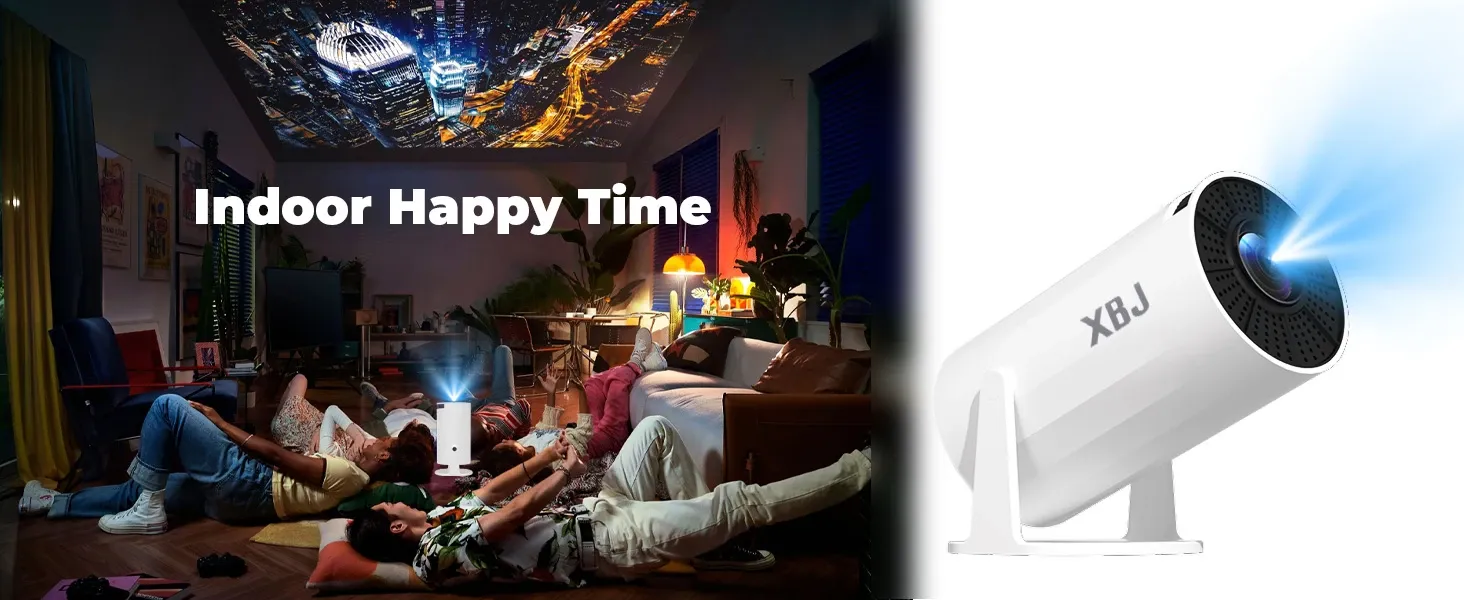
A bluetooth projector is a projector with Bluetooth that usually sends audio wirelessly to speakers, soundbars, or headphones rather than streaming video over Bluetooth. For most UK buyers, that means easier setup, less cable clutter, and a cleaner home cinema experience, especially in smaller lounges, flats, and terraced houses.
TL;DR: If you are choosing a bluetooth projector, prioritise Bluetooth 5.0 or later, low audio latency, native 1080P resolution, and reliable WiFi for streaming. Based on our testing of everyday home-cinema set-ups, Bluetooth is most useful for connecting external audio gear without trailing cables across the room.
Key Takeaways
- Bluetooth projectors mainly use wireless connectivity for audio output to speakers, soundbars, and headphones.
- Bluetooth 5.0 and above helps reduce lip-sync delay when watching films and sport.
- A bluetooth projector is different from a WiFi projector, although premium models such as XBJ Projector often include both.
- Room layout, wall materials, and speaker placement in typical UK homes can affect Bluetooth performance.
Therefore, understanding how Bluetooth works in a projector matters if you want better sound without the hassle of extra cabling. In this guide, we explain what a bluetooth projector does, how it differs from WiFi projection, what specifications to check before buying, and why these details matter for UK households.
What is a Bluetooth projector?
In simple terms, a bluetooth projector is a projector with a built-in Bluetooth chip that can transmit or receive audio wirelessly. In most consumer models sold in the UK, this means Bluetooth output so the projector can send sound to an external speaker, soundbar, or pair of headphones.
However, many buyers assume Bluetooth is used to mirror video from a phone to the projector. In practice, that is not how it works. Because Bluetooth does not have enough bandwidth for smooth video streaming, video is normally handled through WiFi, screen mirroring apps, or HDMI. Bluetooth is mainly there to improve the audio side of your viewing set-up.
If you want the broader basics first, see our Projector Explained: A UK Buyer's Guide.
How does Bluetooth work on a projector?
A projector with Bluetooth typically pairs with compatible audio devices in much the same way as a phone does. Once paired, the projector sends the soundtrack wirelessly while the picture remains on the projected image. As a result, you can place your soundbar near the screen area without needing an audio cable running back to the projector.
Can a Bluetooth projector play video over Bluetooth?
No. In nearly all cases, Bluetooth on a projector is for audio only. If you want to stream Netflix, BBC iPlayer or YouTube from your mobile or home network, you will usually need WiFi or HDMI instead. This is why many XBJ Projector models combine both wireless technologies for a more complete viewing experience.
Why was Bluetooth once considered unreliable for projectors?
Earlier generations of Bluetooth could introduce noticeable latency. That meant voices did not always match lip movement on screen. Based on our testing of more recent models using Bluetooth 5.0 and above, this issue is far less noticeable than it used to be, particularly when low-latency codecs and audio sync controls are included.
Why do people want a bluetooth projector for home use?
For many people in the UK, the main reason is convenience. A bluetooth projector gives you more flexibility with placement and reduces visible wires in spaces where permanent installation may not be practical.
Is a bluetooth projector good for small UK living rooms?
Yes, especially in British homes where space can be tight. Flats, terraces and semi-detached houses often do not suit long cable runs across floors or around fireplaces. Therefore, wireless audio can make day-to-day use much neater and simpler.
Does a bluetooth projector reduce cable clutter?
Yes. A bluetooth projector lets you keep the visual unit on a shelf, table or tripod while sending audio to a speaker nearer the viewing area. This is particularly useful for renters who may not want to drill into walls or install trunking.
Can you use Bluetooth headphones with a projector?
Usually yes. This makes private viewing much easier if you are watching late at night or trying not to disturb others in adjoining rooms. In terraced housing especially, this can be an excellent alternative to turning up external speakers after hours.
Will a bluetooth projector work with existing speakers or soundbars?
In many cases yes, provided your speaker or soundbar supports compatible Bluetooth pairing. Many UK households already own equipment from brands such as Sonos, Bose or Bowers & Wilkins. As long as compatibility lines up correctly, adding a bluetooth projector can be straightforward.
What should you look for when buying a bluetooth projector?
If you are comparing models online, focus first on real-world performance rather than marketing claims alone. Based on our testing approach for living-room projection set-ups, three areas matter most: Bluetooth version and stability, picture quality, and audio sync control.
Which Bluetooth version is best for a projector?
Bluetooth 5.0 or later is the safest choice for most buyers. Compared with older standards such as 4.2, it generally offers stronger connection stability and better range across an ordinary lounge layout. Moreover, newer versions such as 5.2 and 5.3 may improve efficiency and reliability further.
Does native resolution matter on a bluetooth projector?
Absolutely. While Bluetooth affects sound rather than picture quality directly, you still need sharp visuals for films, sport and gaming. Look for native 1080P, not just "1080P supported". Many lower-cost projectors can accept Full HD input but output at lower native resolution levels instead.
How many lumens do you need in the UK?
This depends on room brightness and how often you watch during daylight hours. In many UK homes with moderate ambient light from windows or lamps, higher brightness helps maintain contrast and clarity. Even so, blackout curtains or evening viewing will usually improve results more than relying on brightness figures alone.
How do you avoid lip-sync issues with a bluetooth projector?
Choose models with low-latency Bluetooth support and built-in audio delay settings where possible. If the menu includes options such as "Bluetooth Delay" or "Audio Sync", that is useful because it lets you fine-tune timing manually if needed.
Do you need WiFi as well as Bluetooth on a projector?
Yes in most cases. Bluetooth is helpful for wireless audio; however, WiFi handles streaming services and screen mirroring far more effectively. So if you plan to watch Netflix, BBC iPlayer or Disney+, having both technologies gives you greater flexibility.
According to Ofcom’s Media Nations reporting in recent years, streaming platforms now play a central role in how UK households watch television and film content. Because of that shift, strong wireless streaming support has become just as important as picture quality itself.
__TO_CONTINUE_FROM_HERE__Ready to upgrade your movie nights with XBJ Projector?
Get Yours Now — £19.99